A Small Docker Image for Rust With Multi Stage Builds
Build a Rust service image in two stages so the final image holds only the binary and what it needs to run. See the Dockerfile, the sizes to expect and the checks that it works.
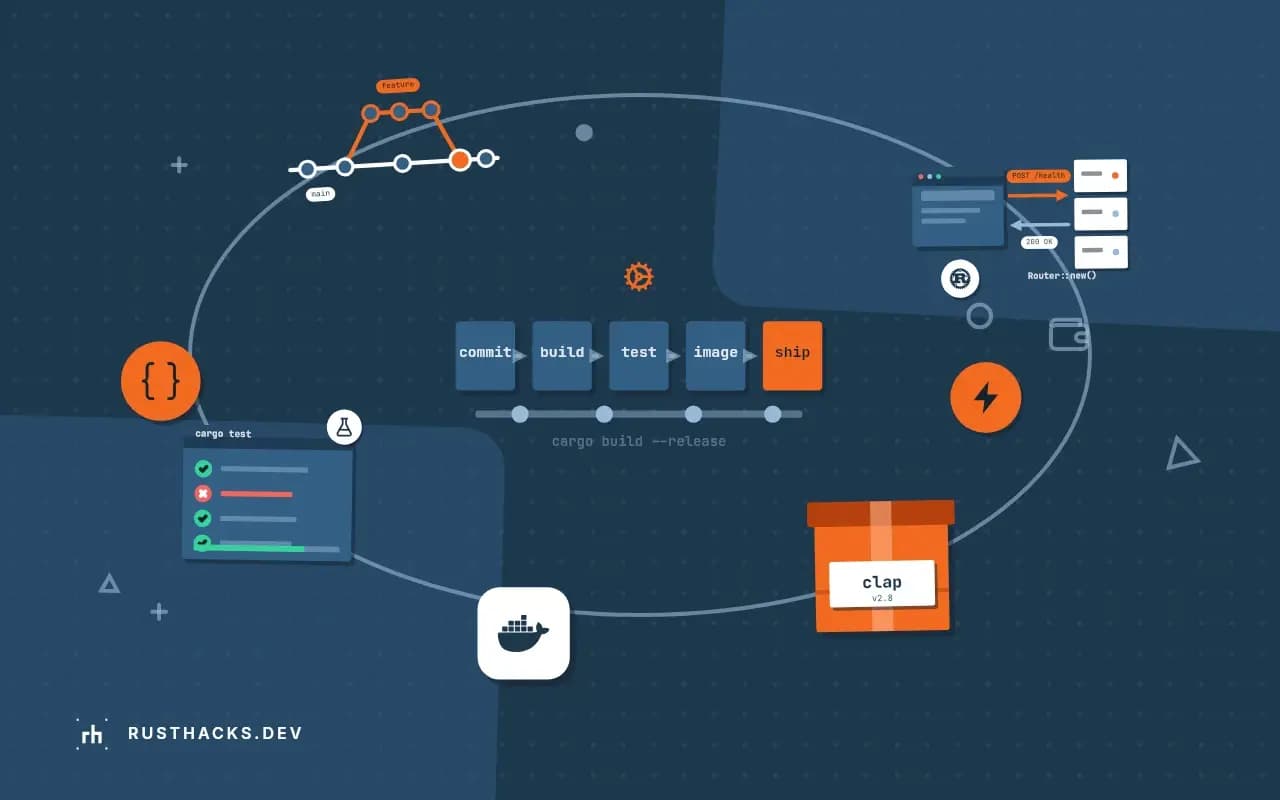
The default way to containerize a Rust service ships the compiler, the registry cache and the target directory to production: well over a gigabyte for a program that is a 15 MB file. Two stages fix it. The builder compiles, the runtime image contains only the result. This post gives the Dockerfile and the checks that tell you it works. It is the packaging step of shipping Rust to production.
Docker with BuildKit, Rust 1.90.
The Dockerfile
FROM rust:1.90-bookworm AS builder
WORKDIR /app
COPY Cargo.toml Cargo.lock ./
COPY src ./src
RUN cargo build --release --locked

FROM debian:bookworm-slim
RUN apt-get update \
    && apt-get install -y --no-install-recommends ca-certificates \
    && rm -rf /var/lib/apt/lists/* \
    && useradd --system --uid 10001 app
COPY --from=builder /app/target/release/myapp /usr/local/bin/myapp
USER app
EXPOSE 3000
ENTRYPOINT ["/usr/local/bin/myapp"]
Build and run:
docker build -t myapp:dev .
docker run --rm -p 3000:3000 myapp:dev
docker images myapp:dev
The docker images line shows the size. The builder stage never becomes part of the final image: only the layers after the last FROM are kept. Both stages use the same Debian release (bookworm), which matters because the binary links to glibc dynamically; a binary built on bookworm runs on bookworm-slim, and one built on a newer distribution may not run on an older runtime image.
What each piece does
| Line | Reason |
|---|---|
--locked | build exactly what Cargo.lock says |
--no-install-recommends | skips optional packages, smaller layer |
rm -rf /var/lib/apt/lists/* | removes apt's index in the same layer |
ca-certificates | TLS to outside services needs a root store |
useradd ... USER app | do not run as root; see non-root containers |
Make the binary smaller
[profile.release]
strip = true
lto = "thin"
codegen-units = 1
panic = "abort"
strip = true removes symbols and debug info. panic = "abort" removes unwinding code, but changes behavior: a panic ends the process, and tasks that relied on catch_unwind or on a worker thread panicking quietly will behave differently. The trade-offs of these settings are in release profile settings.
Check what you shipped
docker history myapp:devshows the size of each layer.docker run --rm myapp:dev --helpproves the binary starts: a missing shared library shows aserror while loading shared libraries.docker run --rm --entrypoint sh myapp:dev -c 'id'shows the process runs as uid 10001 (on images that have a shell).- A scanner such as Trivy lists known vulnerabilities in the base packages; fewer packages means fewer findings.
Faster rebuilds
This Dockerfile recompiles every dependency whenever source changes. To cache them, use cargo-chef, and see why Docker rebuilds everything. If the build needs private crates, pass credentials as build secrets and not ARGs.
Other base images
Debian slim is the least surprising choice. Distroless gives a smaller attack surface and no shell, and scratch gives the smallest possible image with a static binary. The options are compared in base images compared and static linking with musl.
Limits
An image is only as small as its biggest layer, and a small image with a vulnerable dependency inside is still vulnerable. Docker's guidance on multi-stage builds is in the multi-stage documentation.