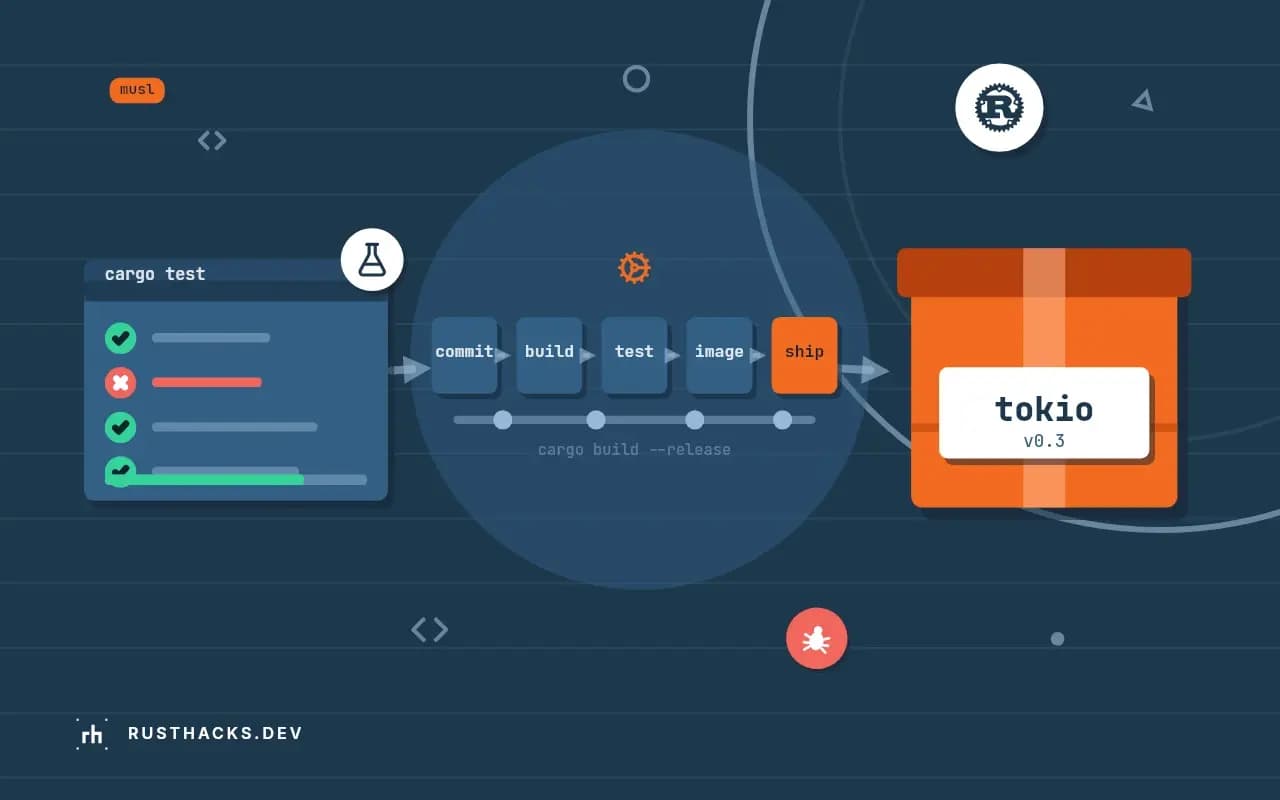
Shipping Rust to Production From Build to Running Service
A guide to taking a Rust service from cargo build to production: release profile, CI, containers, configuration, secrets, health checks, observability and safe rollouts.
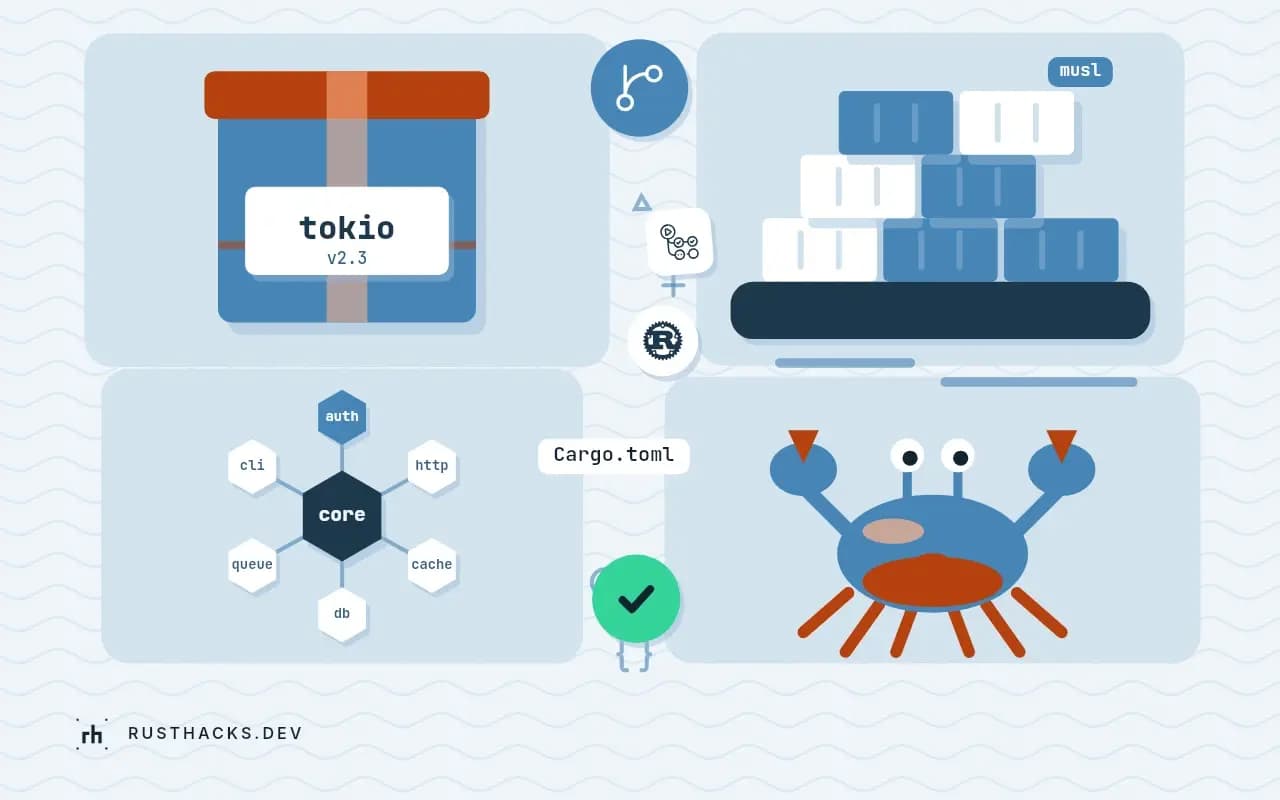
A Rust program that works on your laptop is not yet a service. Between cargo run and a process that stays up for months, there are a dozen unglamorous decisions: what exactly gets built, how it is packaged, how it learns its configuration, how a platform asks it to stop, what it is allowed to touch, and how you roll back when the new version is bad. Rust makes the build step easy and the rest no easier than in any language. This guide takes one small HTTP service from source to a hardened container and tests each decision by running it, including a shutdown experiment where the first version was killed after three seconds and the second finished its in-flight request and exited cleanly.
The service is an Axum 0.8 app with a health check, a configurable greeting and a deliberately slow endpoint. Everything ran with Rust 1.99, edition 2024, building on macOS for Linux, and the container runs used Docker on the same machine. No cloud account was involved, so the guide stops at the container boundary and describes the platform side in terms that apply to any orchestrator.
What production asks of a service
Reduce the vague word "production" to concrete requirements and every later section answers one of them. The artifact is built the same way every time and can be identified by a version. The process reads its configuration from the environment and refuses to start on bad configuration, instead of failing later on a request. It reports whether it is alive and whether it is ready. It handles the stop signal by finishing the work in flight. It runs with the least privilege it needs, inside resource limits. It writes logs to standard output where the platform collects them. And there is a way back to the previous version. A service that meets these is boring to operate, which is the goal.
Build one static binary
A Linux container does not need a Linux machine to build for it. Rust's aarch64-unknown-linux-musl target produces a statically linked executable with no dependency on the system C library, which means it runs in an image that contains nothing else. The standard library for the target installs with rustup target add aarch64-unknown-linux-musl, and the one piece a macOS machine lacks is a linker that writes Linux binaries. Rust ships one, rust-lld, and a three-line configuration file points the target at it:
[target.aarch64-unknown-linux-musl]
linker = "rust-lld"cargo build --release --target aarch64-unknown-linux-musl
file target/aarch64-unknown-linux-musl/release/svctarget/aarch64-unknown-linux-musl/release/svc: ELF 64-bit LSB executable, ARM aarch64, version 1 (SYSV), statically linked, not strippedThat is the whole result: a 2,215,976-byte ELF file for ARM64 Linux, statically linked, built on a Mac in about ten seconds. Pick the target to match where it will run: aarch64 for ARM servers and for Docker on Apple silicon, x86_64-unknown-linux-musl for most cloud instances. The same command with the other triple builds the other binary, and building both is how you ship one image for both architectures.
The default release profile favors compile speed. For a shipped artifact, spend the build time:
[profile.release]
lto = true
codegen-units = 1
strip = true
panic = "abort"
With those four lines the binary shrank to 864,312 bytes, 39 percent of the original, and the build took a little longer. strip removes symbols, lto and codegen-units = 1 let the optimizer see the whole program, and panic = "abort" removes the unwinding machinery. Consider that last setting carefully for a server. With abort, a panic anywhere kills the process, and the platform restarts it, which is often what you want. With the default unwind, a panic in a request handler is caught per task by the runtime and the server keeps running, possibly in a corrupted state. Choose deliberately, and either way make sure the supervisor restarts the process.
The target choice has one real cost: musl's memory allocator is slower than glibc's under heavy multithreaded allocation. If profiling shows allocator contention, link mimalloc or jemalloc as the global allocator, as described in writing a custom global allocator, and measure again.
Package it in a minimal image
A static binary needs no operating system around it. The smallest possible image is scratch, which contains literally nothing:
FROM scratch
COPY target/aarch64-unknown-linux-musl/release/svc /svc
EXPOSE 8080
ENTRYPOINT ["/svc"]$ docker build -q -t rh-svc:v1 .
$ docker images rh-svc:v1 --format '{{.Repository}}:{{.Tag}} {{.Size}}'
rh-svc:v1 2.15MBA 2.15 MB image, against hundreds of megabytes for a typical base. It also has no shell, no package manager and no libraries for an attacker to use, so there is almost nothing to patch. The trade-offs are real, though, and scratch is not always the right base:
| Base | Size on top of the binary | Shell | Notes |
|---|---|---|---|
scratch | Nothing | No | Smallest; you must supply CA certificates, time zone data and a user yourself |
gcr.io/distroless/static | A couple of megabytes | No | Includes CA certificates, /etc/passwd and time zone data; a practical default |
alpine | About 8 MB | Yes | Lets you docker exec in to debug; musl-based like the binary |
debian-slim | Tens of megabytes | Yes | Needed for a glibc dynamic build or system libraries |
The scratch image above measured 2.15 MB. The sizes in the other rows are approximate and vary by release, so check the base image you pick. The gotcha that bites scratch users is TLS. A service that makes outbound HTTPS calls needs a bundle of trusted root certificates, and scratch has none, so the first request fails with a certificate error. Either copy ca-certificates.crt into the image, use rustls with the webpki-roots crate which bakes the roots into the binary, or choose distroless. Time zone data (chrono-tz embeds its own) and a non-root user file are the other two things scratch lacks.
Read configuration at startup and fail fast
A service gets its settings from the environment, the portable channel every platform supports. The rule that makes this safe is to read and validate all of it before accepting a single request, and to exit with a message when it is wrong. A service that starts happily with a missing database URL and fails on the first query turns a deploy-time error into a production incident.
use std::net::SocketAddr;
use std::process::ExitCode;
use std::time::Duration;

use axum::{Router, routing::get};
use tokio::signal::unix::{SignalKind, signal};

struct Config {
    addr: SocketAddr,
    greeting: String,
}

impl Config {
    /// Read and validate everything at startup. A service that starts with bad configuration
    /// and fails on the first request is harder to diagnose than one that refuses to start.
    fn from_env() -> Result<Config, String> {
        let port = std::env::var("PORT").unwrap_or_else(|_| "8080".into());
        let port: u16 = port.parse().map_err(|_| format!("PORT must be a number between 1 and 65535, got {port:?}"))?;
        let greeting = std::env::var("GREETING").map_err(|_| "GREETING is required".to_string())?;
        if greeting.trim().is_empty() {
            return Err("GREETING must not be empty".into());
        }
        Ok(Config { addr: SocketAddr::from(([0, 0, 0, 0], port)), greeting })
    }
}

async fn shutdown_signal() {
    let mut term = signal(SignalKind::terminate()).expect("install SIGTERM handler");
    let mut int = signal(SignalKind::interrupt()).expect("install SIGINT handler");
    tokio::select! {
        _ = term.recv() => println!("got SIGTERM, draining"),
        _ = int.recv() => println!("got SIGINT, draining"),
    }
}

#[tokio::main]
async fn main() -> ExitCode {
    let config = match Config::from_env() {
        Ok(c) => c,
        Err(e) => {
            eprintln!("config error: {e}");
            return ExitCode::from(78); // EX_CONFIG, so supervisors can tell it from a crash
        }
    };
    let greeting = config.greeting.clone();
    let app = Router::new()
        .route("/healthz", get(|| async { "ok" }))
        .route("/", get(move || async move { greeting.clone() }))
        .route("/slow", get(|| async {
            tokio::time::sleep(Duration::from_secs(2)).await;
            "finished the slow request"
        }));
    let listener = match tokio::net::TcpListener::bind(config.addr).await {
        Ok(l) => l,
        Err(e) => {
            eprintln!("cannot bind {}: {e}", config.addr);
            return ExitCode::from(1);
        }
    };
    println!("listening on {}", config.addr);
    if let Err(e) = axum::serve(listener, app).with_graceful_shutdown(shutdown_signal()).await {
        eprintln!("server error: {e}");
        return ExitCode::from(1);
    }
    println!("clean exit");
    ExitCode::SUCCESS
}
Config::from_env returns a Result, and main maps a failure to exit status 78, the EX_CONFIG code from sysexits.h, so a supervisor or a human reading the exit code can tell a configuration mistake from a crash, which would be 101 for a panic or a signal number. Running the container with each kind of mistake shows the behavior:
--- no GREETING
config error: GREETING is required
exit 78
--- bad PORT
config error: PORT must be a number between 1 and 65535, got "http"
exit 78
--- port in use
cannot bind 0.0.0.0:8080: Address in use (os error 98)
exit 1
--- ok
hello from rust
listening on 0.0.0.0:9000
The message names the variable and what was wrong with it, and the process dies before binding a port, so a rolling deploy never routes traffic to it. The last case sets PORT=9000 and GREETING and the service answers on the new port with the configured text. Keep secrets out of the image and out of version control: pass them as environment variables at run time or mount them as files from the platform's secret store, and never log them.
Be stoppable: signals and graceful shutdown
Every platform stops a service the same way: send SIGTERM, wait a grace period, then send SIGKILL. A service that handles SIGTERM can finish the requests it has and exit. One that does not is killed mid-request, and users see errors on every deploy. The first version of this service did not handle the signal, and the experiment is instructive. It ran in a container, docker stop sent SIGTERM, and nothing happened until the grace period expired:
docker stop took 3.2 s
exit code 137
Exit code 137 is 128 plus 9: killed by SIGKILL. The reason is specific to containers. The service runs as process ID 1, and the Linux kernel gives PID 1 no default signal handlers, so a SIGTERM that would terminate an ordinary process is ignored unless the program installs its own handler. On a laptop, Ctrl-C works because the shell is PID 1's parent; in a container, nothing does the work for you.
The fix is to install handlers and tell the server to drain. In the listing above, shutdown_signal waits for either SIGTERM or SIGINT, and axum::serve(...).with_graceful_shutdown(shutdown_signal()) stops accepting connections when the future completes while letting active requests finish. The test starts a request to /slow, which takes two seconds, and issues docker stop half a second in:
docker stop took 1.6 s
finished the slow request (HTTP 200 after 2.002673s)
exit code 0
listening on 8080
got SIGTERM, draining
clean exit
The in-flight request returned 200 after its full two seconds, the process logged that it was draining, exited with status 0, and the stop took 1.6 seconds, which is what remained of the slow request. Compare that with the first version: the same deploy now drops no requests. Two details deserve a sentence. The platform's grace period must be longer than your slowest request plus a margin, and the default varies between 3 and 30 seconds across systems, so set it explicitly. And a service with long-lived connections, such as websockets, needs an application-level deadline in the shutdown path, or one idle client holds the process until the platform loses patience.
Liveness, readiness and the health endpoint
The platform needs to ask two different questions. Liveness: is the process wedged and in need of a restart? Readiness: can it take traffic right now? They fail differently, and conflating them causes outages. A readiness check that depends on the database turns a database outage into a restart storm if used as the liveness check. The /healthz route above answers liveness cheaply, "the event loop is running". A separate /ready route would check dependencies and return 503 while the service is starting or draining, and a graceful shutdown should flip readiness to false first so the load balancer stops sending new requests while old ones finish. Keep health endpoints fast and unauthenticated, and do not let them do real work.
Run with the least privilege
The container is the last place to tighten. A service that serves HTTP needs to read its own binary and open a port above 1024, and little else. These flags express that:
docker run -d --name rh-svc-hard \
  --read-only --user 65534:65534 --cap-drop ALL \
  --security-opt no-new-privileges \
  --memory 64m --pids-limit 64 \
-p 18081:8080 rh-svc:v2ok
mem 988KiB / 64MiB cpu 0.00% pids 11
readonly=true user=65534:65534 mem=67108864The service answered the health check with a read-only root file system, as the unprivileged user 65534, with every Linux capability dropped, privilege escalation disabled, and a 64 MiB memory ceiling. Its measured use was 988 KiB with 11 processes (the threads of the async runtime). Rust's memory frugality shows here: the limit has sixty times the headroom the service needs. A limit protects the neighbors if a bug leaks memory, and a --pids-limit stops a fork bomb from taking the host. If your service needs scratch space, mount a tmpfs at a specific path instead of dropping --read-only.
Logs, metrics and the platform contract
Write logs to standard output, one event per line, preferably structured as JSON, and let the platform ship them. Do not manage log files or rotation in the container; the filesystem is read-only above. The tracing crate with a JSON formatter is the usual choice, and the observability setup is described in observability for Rust services with OpenTelemetry. Expose a /metrics endpoint in the Prometheus format for scrapers, and include the version in a startup log line and a metric label so you can tell which build is serving.
Know what you shipped: dependencies and licenses
An image is a pile of other people's code, and production is when a vulnerability in any of it becomes your problem. Two checks belong in the build before the image is made, and both ran against this service's 61 crates. cargo audit compares Cargo.lock with the RustSec advisory database:
    Loaded 1422 security advisories (from /Users/you/.cargo/advisory-db)
    Scanning Cargo.lock for vulnerabilities (61 crate dependencies)
It printed no warnings, which means none of the 61 resolved versions had a known advisory on the day it ran. That statement has a short half-life, so run it on a schedule as well as on every build, so you hear about a new advisory in a dependency you already shipped. cargo deny adds policy: allowed licenses, banned crates, duplicate versions and permitted registries. A first run with a reasonable deny.toml failed on the service itself:
error[unlicensed]: svc = 0.1.0 is unlicensed
 ├ svc v0.1.0 (*)
The tool refused the workspace's own crate because its Cargo.toml had no license field. For a private service the fix is license = "LicenseRef-Proprietary" or publish = false plus an explicit license entry, and for a public one an SPDX identifier like MIT OR Apache-2.0. The message is small and the principle is large: policy checks catch the boring omissions that become real problems when a lawyer or a customer asks what the software contains. Pin the base image by digest (FROM image@sha256:...) as well as by tag, so a rebuild next month starts from the same bytes, and record the image digest in your deploy log so that "what is running" has a one-line answer.
Release, roll out, roll back
Treat the image as an immutable artifact tagged with a version or a commit hash, never latest, so a deploy and a rollback are the same operation with a different tag. Roll out gradually: a rolling update replaces instances one at a time, waiting for readiness; a canary sends a small share of traffic to the new version and watches error rates before widening. Keep the previous version running until the new one proves itself.
Rollback is only possible if the new version did not break the old one's assumptions about shared state. Database migrations are the usual trap. Make them backward compatible in two steps: first deploy a version that works with both the old and the new schema, apply the migration, and only later remove the old column in a second release. That expand-then-contract sequence means any single deploy can be reversed. Feature flags give the same property for behavior: ship the code dark, enable it separately, and disable it without a deploy when it misbehaves.
A checklist before the first deploy
- The build is a release build for the target platform, with a pinned toolchain and a committed
Cargo.lock. - The image is minimal, tagged with a version, and has CA certificates if the service makes TLS calls.
- Configuration comes from the environment, is validated at startup, and exits with a distinct code on error.
- The process handles
SIGTERM, drains in-flight work, and exits 0 within the platform's grace period, which you have set explicitly. - Liveness and readiness are separate and cheap.
- It runs as a non-root user, read-only, with capabilities dropped and memory and process limits set.
- Logs go to standard output as structured lines; metrics and traces are exported.
- Rollback has been rehearsed, and migrations are expand-then-contract.
What this guide did not cover
The platform side differs enough between providers to deserve its own treatment: deploying a Rust service to Fly.io, deploying Rust to AWS Lambda and Rust on Kubernetes each take the artifact built here and run it on a specific system. The pipeline that produces the artifact, tests and gates it is in continuous integration for Rust. And for a service that will face real traffic, load test it first, using the method in load testing a Rust service, so that you learn its limits on your schedule and not during an incident.
Finally, rehearse the unhappy paths once, deliberately, before they happen on their own. Kill the container with docker kill and confirm the platform restarts it and that the restart is quick. Send it a SIGTERM during a slow request, as the experiment above did, and confirm nothing is dropped. Start it with a missing variable and confirm the deploy halts instead of routing traffic. Each rehearsal takes minutes, and each one is a failure you would otherwise first meet at a bad moment.