Static Linking Rust for Scratch Images With Musl Explained
Build a fully static Rust binary for the musl target and run it from a scratch image. Covers the target, linker, OpenSSL and DNS caveats, the allocator and how to verify.
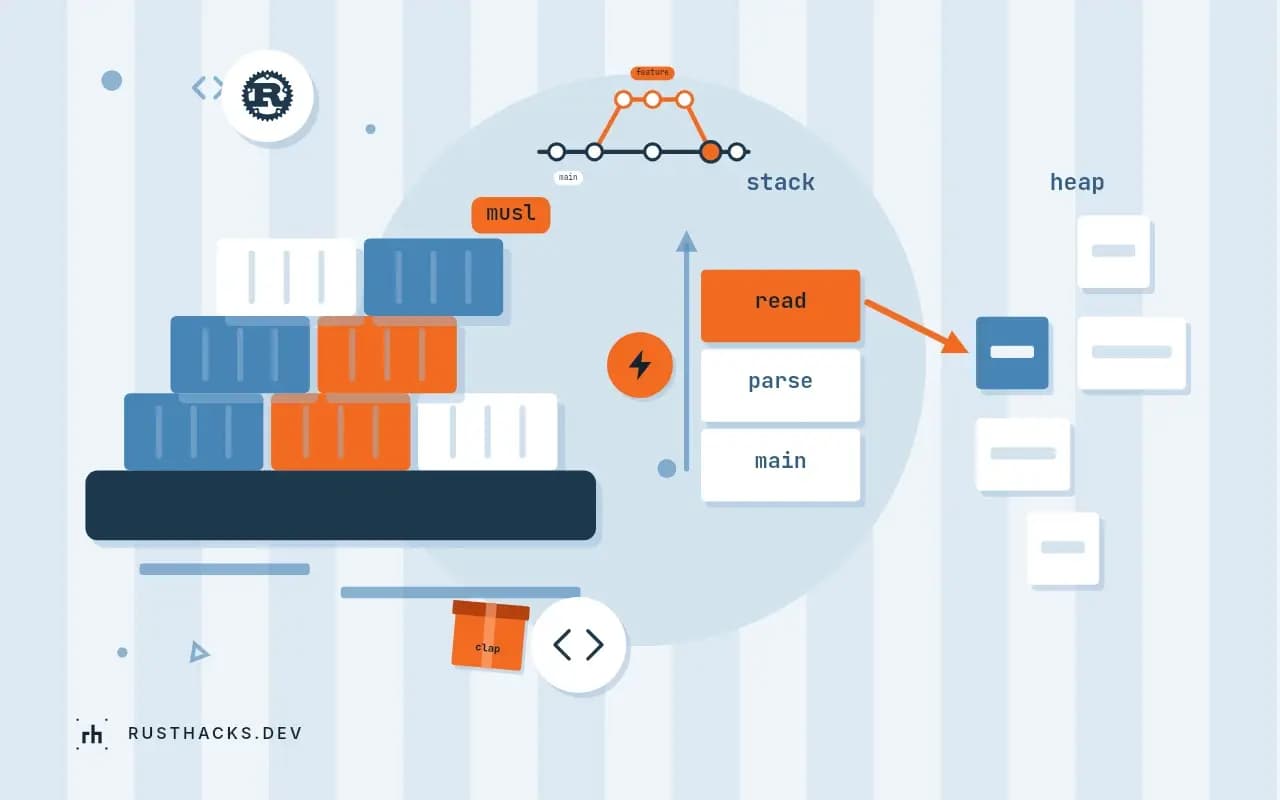
The appeal is one file you can copy to any Linux machine, or put in an empty container image, with no libc inside. The cost is a different C library, and the trouble is in the details: certificates, DNS, OpenSSL and the allocator. This post builds a static binary, verifies it and lists those caveats. It extends a small Docker image for Rust and the comparison in base images compared.
Rust 1.90, x86_64-unknown-linux-musl target.
Build
rustup target add x86_64-unknown-linux-musl
cargo build --release --target x86_64-unknown-linux-musl
On Debian or Ubuntu you may also need sudo apt install musl-tools if a dependency compiles C code. The binary lands in target/x86_64-unknown-linux-musl/release/.
Verify
file target/x86_64-unknown-linux-musl/release/myapp
ldd target/x86_64-unknown-linux-musl/release/myapp
The file output includes statically linked, and ldd prints not a dynamic executable. If ldd lists libc.so.6, the build used the glibc target, usually because --target was missing.
A Dockerfile
FROM rust:1.90-alpine AS builder
RUN apk add --no-cache musl-dev
WORKDIR /app
COPY . .
RUN cargo build --release --locked
RUN cp target/release/myapp /myapp

FROM scratch
COPY --from=builder /etc/ssl/certs/ca-certificates.crt /etc/ssl/certs/
COPY --from=builder /myapp /myapp
USER 10001
ENTRYPOINT ["/myapp"]
The rust:1.90-alpine image uses the musl target as its default host, so no --target is needed. The final image contains two files. Use docker run --rm myimage to see that it starts, and exercise an HTTPS call to see that certificates work.
TLS
reqwest = { version = "0.12", default-features = false, features = ["rustls-tls", "json"] }rustls is pure Rust, so it builds statically with no system library. openssl-sys needs a musl build of OpenSSL; the vendored feature compiles one from source, which works and takes a few minutes. Trust roots come from the system store on Linux, which is why the Dockerfile copies the bundle, or use the webpki-roots feature to embed them.
Differences from glibc
- Allocator. musl's
mallocis simple and can be several times slower under contention from many threads allocating. Switch withmimalloc:
#[global_allocator]
static GLOBAL: mimalloc::MiMalloc = mimalloc::MiMalloc;- DNS. musl's resolver historically did not support some glibc features (parts of
resolv.conf,searchhandling in older versions). Current releases are closer, so test name resolution in your target environment. - Locale and time zones. No locale database;
chrono-tzorjiffembed time zone data instead of reading/usr/share/zoneinfo. - Stack size. musl's default thread stack is smaller (128 KiB for non-main threads in older versions), so deep recursion in threads can overflow. Rust spawns its threads with an explicit size, 2 MiB by default, which avoids it for
std::thread; see debugging a stack overflow.
Limits
You cannot dlopen from a static musl binary, and crates relying on dynamic plugins will not work. Debugging a scratch container needs tools you do not have: build a debug image variant from Alpine. The Rust platform support page lists the musl targets and their tiers.