SQLx Offline Mode and the Query Cache for CI Builds
Build SQLx code without a database by saving query metadata in .sqlx with cargo sqlx prepare. Includes the CI check that keeps it fresh and the errors when it is stale.
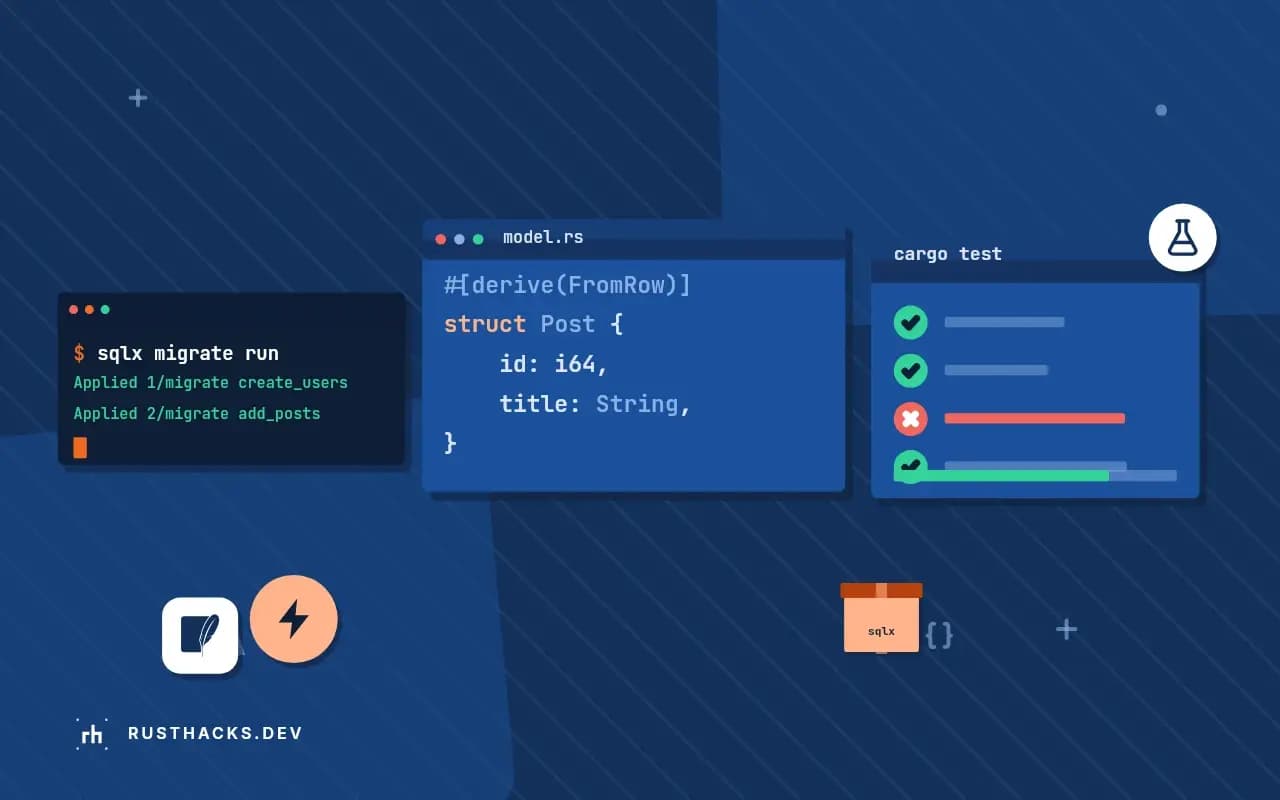
Compile-time checked SQL is useful until the build runs somewhere with no database: a Docker build stage, a contributor's first clone, a cached CI step. Offline mode solves it by saving what the database said, once, as files next to your code. This post covers the workflow and the traps. It extends the SQLx explained guide.
sqlx-cli 0.8, Rust 1.90.
Create the metadata
With the database running and migrated:
cargo sqlx prepareThis builds your crate, collects every query!, query_as! and related call, and writes one file per query under .sqlx/:
.sqlx/
  query-3f9a...c1.json
  query-a02b...77.json
Each JSON file holds the query text, the column names and types, the parameter types and nullability the database reported. File names are hashes of the query. Commit the folder.
Build without a database
SQLX_OFFLINE=true cargo build --releaseThe macros read the JSON instead of connecting. If a query is missing from .sqlx/, the build fails with a message to run cargo sqlx prepare.
In a Docker build:
ENV SQLX_OFFLINE=true
COPY .sqlx .sqlx
COPY . .
RUN cargo build --release
Keep it fresh in CI
Add a job that has the database, applies migrations and checks:
sqlx migrate run
cargo sqlx prepare --check
If someone changes a query and forgets to regenerate, the check fails. Without it the old metadata silently lets a stale type through the build, and the mismatch appears at run time as a decode error.
Workspaces
In a workspace use cargo sqlx prepare --workspace, which writes one .sqlx/ at the workspace root. Every crate that uses the macros reads from it.
When the metadata does not match
Symptoms: the build passes but a query fails at run time with a column type error, or the offline build complains the query is not found. Cause: the SQL string changed (any whitespace change alters the hash) or the schema changed without a re-prepare. Regenerate, review the diff of .sqlx/, and commit.
Alternatives
If you do not want metadata files, run a database in CI as a service container and leave offline mode off. That is simple and also validates the schema in every build. The trade-off is slower, flakier jobs and no support for contributors without Docker. For Docker image builds, see caching dependencies with cargo-chef, where the .sqlx copy must come before the build step.
Limits
Offline data is a snapshot of one database dialect and one schema version. It cannot verify queries built dynamically; see QueryBuilder for those. The reference is the SQLx CLI README.